How 5G Is Changing Mobile Device Performance
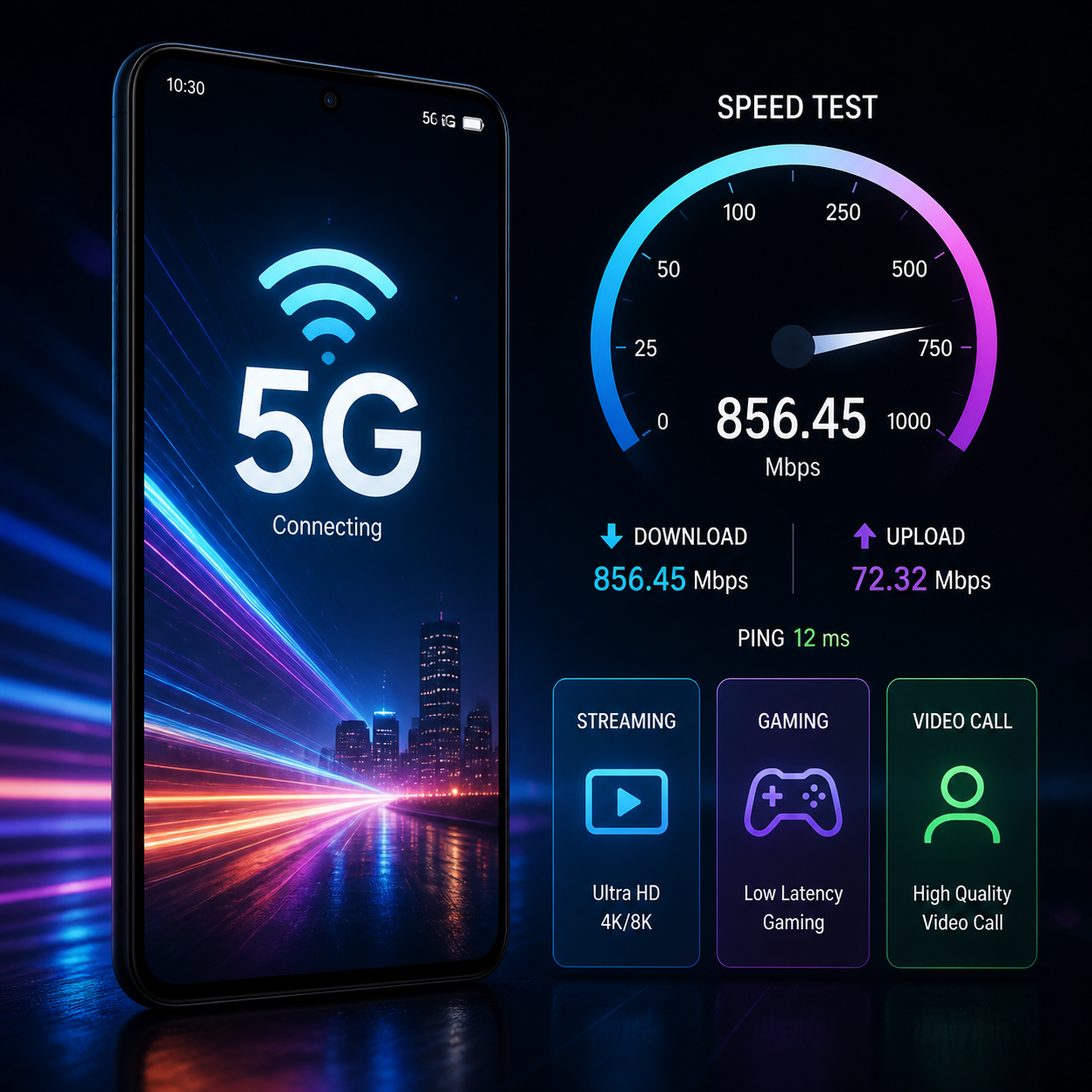
5G is changing mobile device performance by improving wireless speed, reducing latency, and handling more connected devices at once. The experience depends on more than the 5G network itself: your smartphone modem, antenna design, processor, software, signal strength, carrier coverage, and current network traffic all matter.
That distinction is important. A 5G connection can deliver files faster, make cloud services feel more responsive, and support demanding mobile hotspot use. It cannot automatically make an older processor faster, add storage, improve a camera sensor, or fix a weak indoor signal.
What 5G Changes Compared With 4G
5G generally offers higher download and upload speeds, lower latency, and greater network capacity than 4G LTE. In everyday use, the biggest change is often faster access to online services rather than a dramatic change to the phone’s local hardware performance.
4G LTE remains capable for web browsing, standard-definition video, messaging, navigation, and most social media. 5G becomes more noticeable when you download large files, stream high-resolution video, use a mobile hotspot, or connect to services that respond continuously.
- Speed: 5G can transfer data much faster, although real-world results vary widely by spectrum, coverage, device, and congestion.
- Latency: The delay between a request and a network response can be lower, which helps interactive applications.
- Capacity: A 5G network can manage dense groups of connected devices more efficiently in suitable conditions.
- Responsiveness: Apps that depend on cloud servers may begin responding more quickly, even when their interface and processor performance remain unchanged.
Peak laboratory speeds should not be treated as normal phone results. A busy 5G cell, an indoor location, or a phone using lower-band spectrum may perform only modestly better than 4G LTE. The meaningful comparison is the time required for your regular tasks in the places where you use your phone.
Faster Downloads, Streaming, and App Performance
5G can shorten downloads, improve high-resolution streaming, and reduce waiting when apps retrieve content from the internet. It has the greatest practical effect on data-heavy tasks, while local app startup still depends mainly on the phone’s processor, storage, and software.
A large game update, operating-system package, or offline video download can complete much sooner on a strong 5G connection. For example, a 2 GB file that takes several minutes over congested 4G may arrive substantially faster over a reliable 5G connection. Actual time depends on the server, signal quality, and network load.
Streaming services can also benefit. A stable 5G link may allow faster switching to 4K or high-bitrate video and reduce buffering during travel. However, video quality is controlled by the service, subscription, device display, and available bandwidth. A higher connection speed does not make a low-resolution video sharper.
App performance has two layers:
- Network performance: How quickly the app fetches feeds, maps, images, cloud files, or account data.
- Device performance: How quickly the processor, memory, graphics system, and storage open and render that content.
5G improves the first layer. If an app opens slowly because of inefficient code or limited phone memory, changing from 4G to 5G may produce little improvement. The same applies to camera processing, photo editing, and offline games.
The Impact of Lower Latency
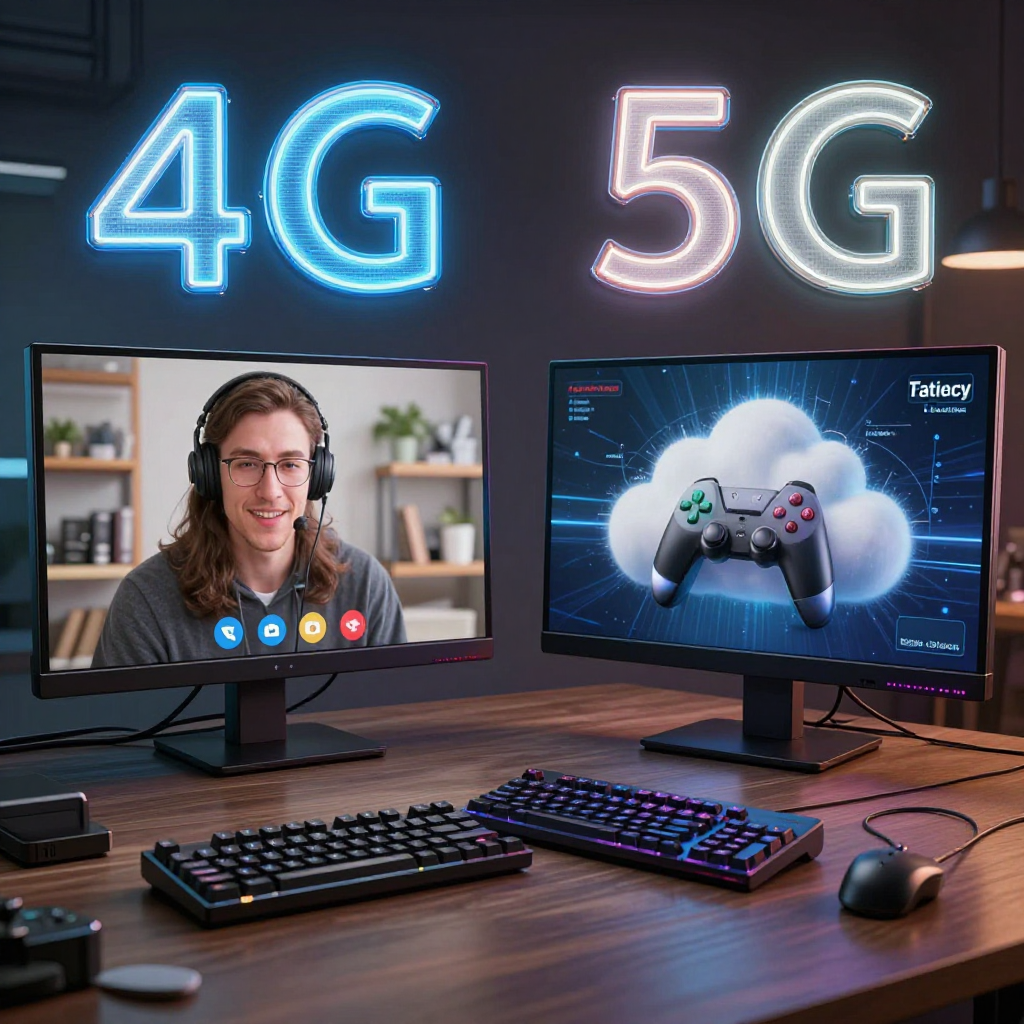
Lower latency means less delay between sending data and receiving a response, which makes interactive services feel more immediate. 5G latency benefits video calls, cloud gaming, remote access, augmented reality, and other applications that constantly exchange small amounts of data.
In a video call, lower delay can make conversations feel more natural because voices and images arrive with less lag. It does not eliminate problems caused by a weak microphone, poor camera, overloaded server, or unstable connection.
Cloud gaming is another clear example. The game runs on a remote server, while your phone receives video and sends control inputs. A lower-latency 5G connection can reduce the delay between tapping a control and seeing the result. Players still need a compatible service, a responsive controller or touchscreen, and consistent signal quality. A brief drop in connection can matter more than a high speed-test score.
Remote desktop tools, augmented reality navigation, live collaboration, and cloud-based creative apps can also feel smoother. The benefit is strongest when the service is designed for real-time interaction. A static webpage does not become dramatically more responsive if it already loads quickly.
How 5G Affects Battery Life and Device Hardware
5G can either increase or reduce battery impact depending on the phone, modem, signal conditions, and activity. Fast transfers may finish sooner, but weak coverage and constant network searching can make a 5G smartphone work harder.
The smartphone modem manages communication with the 5G network, while antennas help the phone send and receive signals. Newer modem designs are generally more efficient than early 5G hardware, but efficiency varies by chipset and operating-system tuning.
Battery consumption tends to rise when:
- The phone switches repeatedly between 5G and 4G LTE.
- The device searches for a usable 5G signal in a weak-coverage area.
- You use mobile hotspot, cloud gaming, navigation, or high-resolution streaming for long periods.
- Large downloads activate the modem, display, processor, and storage at the same time.
Heat can also affect perceived performance. When a phone becomes warm, its processor may reduce clock speed to protect the hardware. That slowdown is a thermal-management response, not proof that 5G has damaged the device.
A newer phone with an efficient modem and a large battery may deliver excellent 5G endurance. An older 5G model in a marginal coverage area may last less time than it would on a stable 4G connection. If battery life matters more than maximum speed, selecting 4G LTE in areas with unreliable 5G can be a sensible temporary choice.
Coverage, Congestion, and Other Limits on 5G Performance
Real-world 5G performance depends on coverage, spectrum, signal strength, obstacles, and congestion. A 5G icon only confirms that the phone has connected to a 5G service; it does not guarantee a particular speed or latency.
Higher-frequency 5G spectrum can support very fast data rates but often travels shorter distances and struggles more with walls, windows, and other obstacles. Lower-band 5G usually covers larger areas and penetrates buildings better, though its performance may be closer to advanced 4G LTE.
Distance from a cell site matters. Performance may decline at the edge of coverage, in underground spaces, inside large concrete buildings, or behind energy-efficient glass. Crowded locations can also reduce speeds because many users share the same network resources.
Use this simple diagnostic model: speed is a product of signal, spectrum, capacity, and device capability. If any one factor is weak, the result may disappoint.
- Test outdoors and near a window to separate coverage problems from device problems.
- Compare results at different times of day to identify congestion.
- Check both download and upload speeds; video calls and hotspot use depend heavily on upload performance.
- Compare 5G and 4G LTE in the same location rather than relying on the status-bar icon.
Which Devices Benefit Most From 5G?
Devices benefit most from 5G when they combine a compatible 5G modem, well-designed antennas, suitable radio bands, current software, and a plan that provides access to the network. A 5G label alone does not reveal how well a particular phone will perform.
Before buying or troubleshooting a device, check these specifications:
- 5G modem support: The modem must support the 5G bands used in your region and by your network provider.
- Antenna design: Multiple antenna paths help maintain a connection when the phone is held, moved, or used indoors.
- Processor and memory: These control local app performance, image processing, multitasking, and gaming graphics.
- Battery capacity and thermal design: These influence how comfortably the phone handles sustained downloads, hotspot use, and streaming.
- Software updates: Firmware and operating-system updates can improve modem stability, band selection, and power management.
A flagship phone may support more 5G bands and advanced carrier aggregation than a budget model. That can improve consistency, but it does not guarantee faster service in every location. The network still sets the practical ceiling.
Older 4G phones cannot gain 5G through a software update because they lack the required modem and radio hardware. A 5G-capable phone can continue using 4G LTE where 5G coverage is unavailable.
How to Troubleshoot Poor 5G Performance
To troubleshoot poor 5G performance, verify coverage first, then refresh the connection, test another location, update the device, and compare 5G with 4G LTE. These steps identify whether the problem comes from the network, phone settings, or hardware.
- Check coverage: Use your carrier’s coverage map, but treat it as an estimate. Buildings and local congestion can produce different results.
- Move to a better position: Test outdoors, near a window, or on a higher floor. Record download, upload, and latency results in each location.
- Refresh network connections: Turn Airplane Mode on for about 10 seconds, then turn it off. If necessary, restart the phone.
- Install updates: Apply available operating-system, carrier-settings, and modem-related updates from the device manufacturer.
- Check network mode: If 5G is unstable, test an automatic or 4G LTE setting. A stable 4G connection may outperform weak 5G in practical use.
- Review hotspot behavior: When using mobile hotspot, keep the phone ventilated and close to connected devices. Hotspot sessions can increase heat and battery drain.
- Compare several services: A speed test may look good while one app remains slow because its server is busy or poorly connected.
Avoid unofficial firmware changes, antenna modifications, or aggressive network-reset tools. They can erase saved connections or create new problems without improving coverage. If performance remains poor in multiple locations while another compatible phone works well, contact the carrier or device manufacturer for support.
Frequently Asked Questions About 5G Performance
Does 5G make a phone faster?
5G makes internet-dependent tasks faster, such as downloads, streaming, cloud backups, and web content delivery. It does not directly speed up the phone’s processor, local storage, camera processing, or offline apps.
Does 5G drain battery faster?
It can, especially with weak coverage, frequent 5G-to-4G switching, hotspot use, or sustained high-bandwidth activity. Efficient newer modems and strong coverage can reduce the difference, and shorter transfer times may offset some consumption.
Why is my 5G connection slow?
Common causes include congestion, weak signal strength, indoor obstacles, limited spectrum, an unsupported band, outdated software, or a busy content server. Test outdoors, compare 4G LTE, and check performance at another time.
Is 5G better than Wi-Fi?
Neither is always better. 5G provides mobility and can outperform congested public Wi-Fi, while a strong private Wi-Fi network usually offers predictable indoor coverage and may reduce mobile data use. Speed, latency, reliability, and security depend on the specific networks.
Can an older phone use 5G?
Only if it contains a 5G modem, compatible antennas, and supported radio bands. A 4G-only phone cannot become 5G-capable through an operating-system update.
5G has its clearest effect when your everyday tasks depend on fast, continuous communication with online services. Judge it by practical results in your home, workplace, commute, and favorite apps rather than by the 5G symbol or a theoretical maximum speed.